Capture your first image in minutes
Use the shortest setup path to set a destination, connect a camera, capture one image, and review it in the Image Browser.
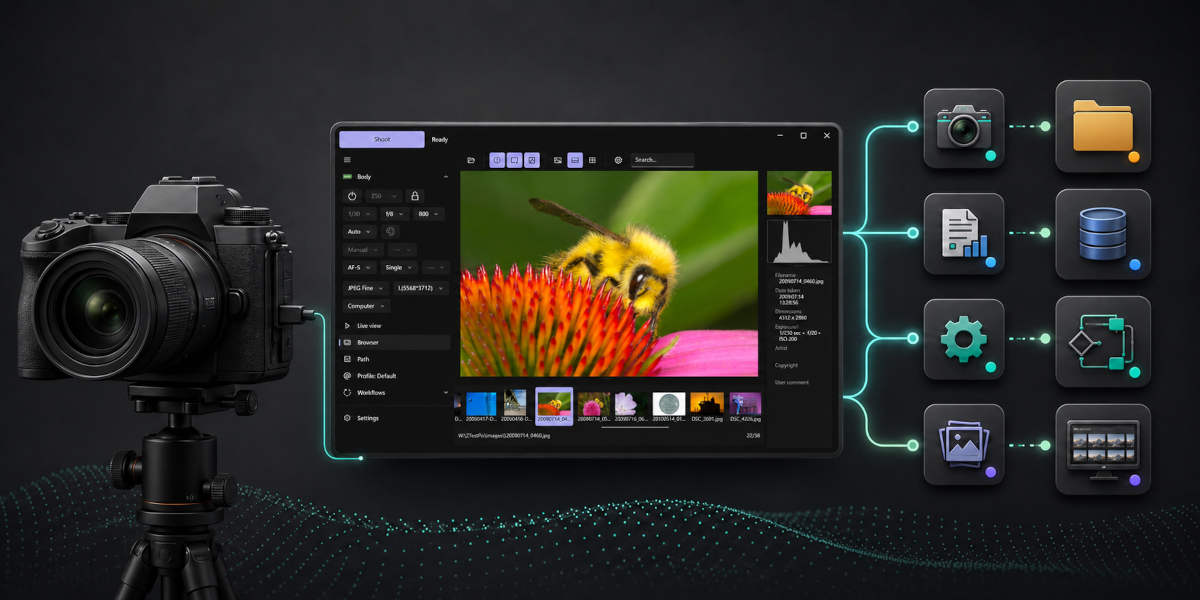
Use the shortest setup path to set a destination, connect a camera, capture one image, and review it in the Image Browser.
Compatible with
Windows 10 x64
Windows 11 x64
DSLR: D4, D4S, D5, D500, D5200, D5300, D5500, D5600, D6, D600, D610, D750, D780, D7100, D7200, D7500, D800, D800E, D810, D810A, D850, Df
Z series: Z5, Z50, Z6, Z6II, Z7, Z7II, Z8, Z9, Z30*, Z50II*, Z5II*, Z6III*, Zf, Zfc*, ZR*
Some newer Z bodies use Nikon's v2 Remote SDK mode, which currently limits a few camera-side operations. Set the mode in ControlMyNikon's Settings > Body > Connection tab.
Affected bodies:
Z30, Z5II, Z50II, Z6III, ZR, Zfc
In v2 Remote SDK mode:
Other Z bodies are not affected when using Legacy Remote SDK mode.
Our built-in help system and comprehensive guides will get you up and running quickly.
Connect with other users, share workflows, and get tips from the community.
ControlMyNikon 6 is the current release. Version 5 is no longer for sale, but we maintain a download link and help resources here.
Send us an email at support@controlmynikon.com. Pre-sales and technical support inquiries are welcome.
Tetherscript Technology Corporation
Saskatchewan, Canada
Since 2011